
Digital menus
How to create a digital restaurant menu, step by step
26 July 20268 min read
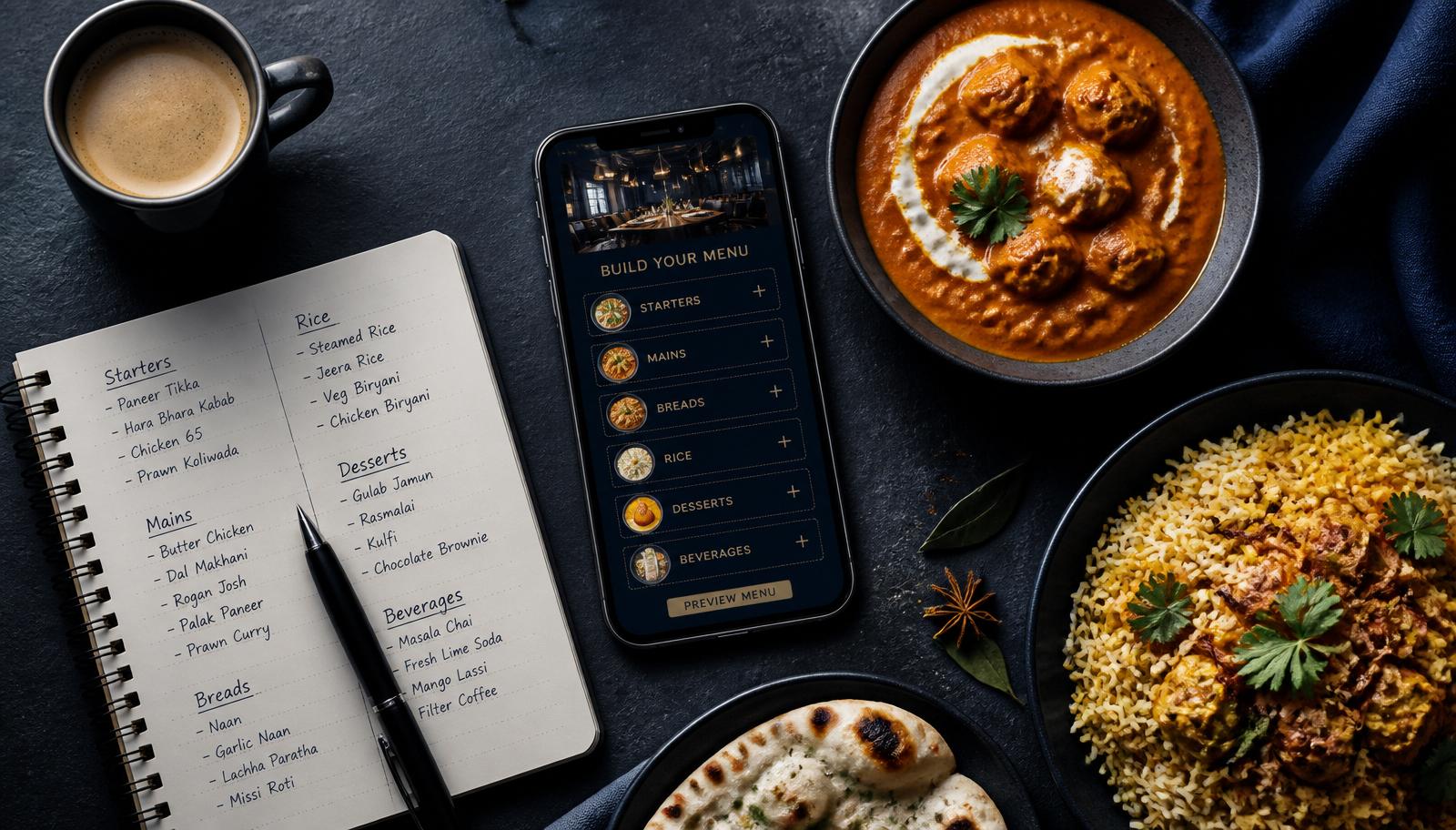
If you already know why you want one, this is the practical build guide. It walks through how to create a digital restaurant menu from a blank page to a printed QR table tent, in the order that actually works in a running kitchen. For the background on costs and guest experience, read our complete QR menu guide first.
What you need before you start
- Your current menu — a printed card, POS export or even a photo of the board.
- Final GST-inclusive prices, so you are not re-entering numbers twice.
- A phone camera and a bright window for dish photos.
- Your logo and brand colours for the QR and menu header.
- A hosting tool — Forked Roots, or any platform that gives you a permanent link.
Step 1 — Plan your categories in guest-reading order
Do this before touching any software. Write your categories the way a guest orders, not the way your POS exports them: starters, mains, breads and rice, desserts, soft drinks, cocktails. Aim for 6–12 categories. Anything with fewer than three items usually belongs inside a bigger category, and anything with more than twenty items should be split.
Step 2 — Enter items with the four essentials
Every item needs a name, an 8–15 word description, a price, and a veg/non-veg/egg marker. Descriptions longer than about fifteen words wrap into a paragraph on a 6-inch screen and get skipped. Write to the ingredient and the method — "slow-cooked black lentils, tomato, butter, finished overnight" beats "our famous dal".
Step 3 — Shoot photos for the dishes that earn them
Ten to fifteen photos is the right number to start: signature dishes and high-margin items. Shoot in daylight next to a window, on a clean surface, from a 45° angle, with no flash. Compress before uploading so the page stays fast on restaurant 4G. Photographing every item slows the menu down and flattens the dishes you actually want to sell.
Step 4 — Add outlet-level notes
Taxes, service charge, allergen policy, jain/vegan availability, spice-level convention — anything a server repeats twenty times a shift belongs in the menu notes. It answers the question before the guest has to ask.
Step 5 — Handle the categories that work better as a PDF
A long wine or single-malt list genuinely reads better as a document. Set that one category to a PDF upload (up to 30 MB on Forked Roots) and keep the rest item-wise. Do not do the reverse and put the whole menu in a PDF — that is the mistake covered in the QR menu guide.
Step 6 — Generate a branded QR code
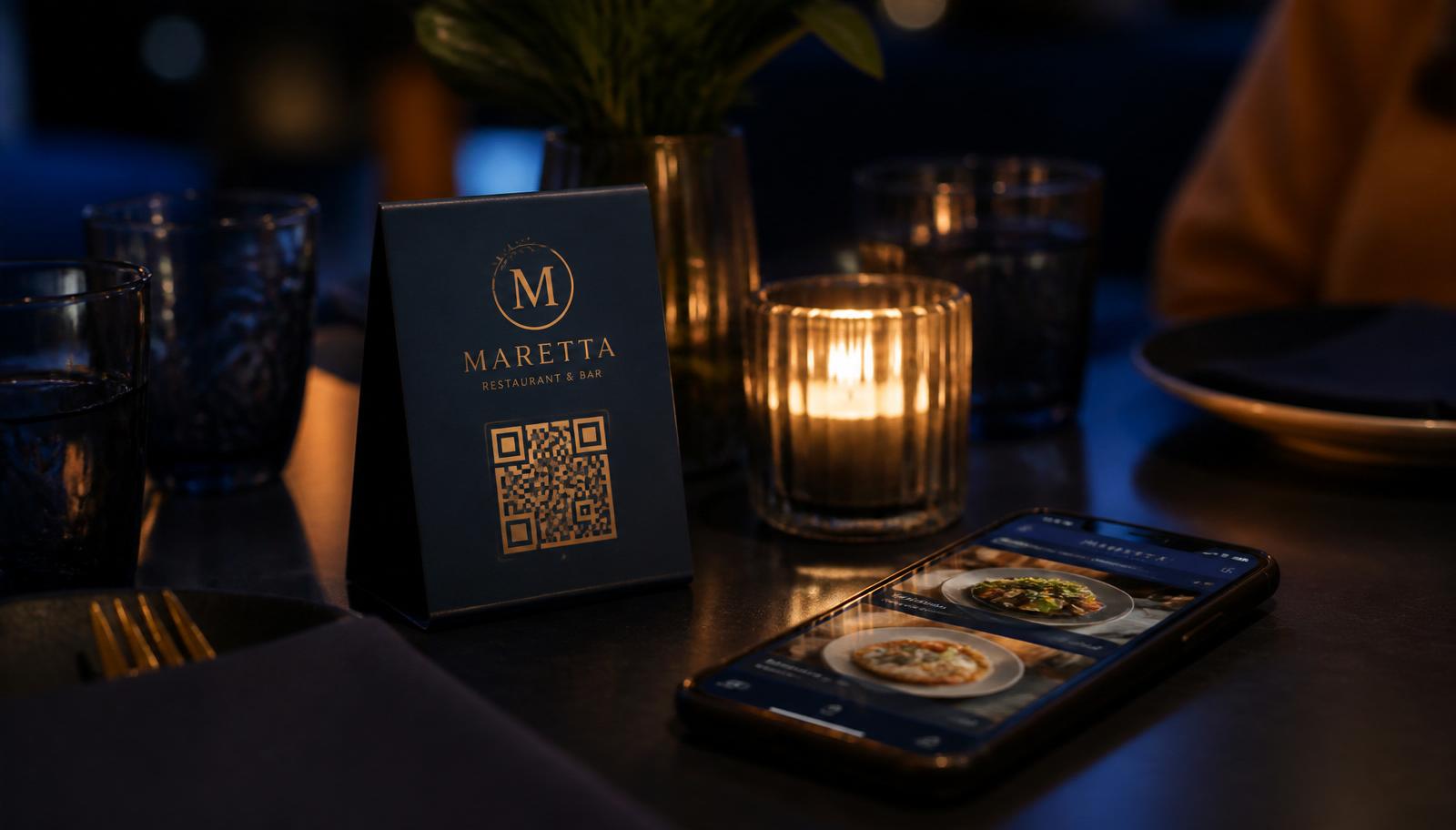
Generate the QR from the platform hosting your menu so the link never expires and never needs re-printing. Use your brand colours with a centre logo, keep strong contrast between the code and its background, and test it with three different phones before you print.
Step 7 — Print and place the table tents
Print at a size that scans from a seated position — roughly 3 cm minimum QR width, larger for outdoor and low-light seating. Place the tent where the guest's eye lands when they sit down, not behind the cutlery stand. Add a one-line prompt: "Scan for menu, offers and bookings."
Step 8 — Brief the floor, then review after two weeks
Give servers one line of scripting — "menu's on the QR, shall I bring a card too?" — for the first fortnight. Then look at which categories get opened and which dishes get tapped, and reorder your categories to match. That single review is where most of the average-check improvement comes from.
Free vs paid: what you actually give up
A free QR generator pointed at a PDF costs nothing and delivers a pinch-and-zoom document with no editing, no sold-out toggles, no dietary filters and no analytics. A hosted interactive menu on Forked Roots is ₹999 per month or ₹8,999 per year per outlet, with zero setup fee and zero commission — and the same link carries table bookings, WhatsApp confirmations, offers and event tickets.
Frequently asked questions
How do I create a digital menu for my restaurant?
Plan your categories in guest-reading order, add each item with a name, short description, price and veg/non-veg marker, upload photos for your signature dishes, add outlet-level notes on taxes and allergens, then publish the menu and print the QR code for your tables. On Forked Roots the whole process takes about an hour for a 60-item menu.
How do I make a QR code for a restaurant menu?
Generate the QR code from the same tool that hosts your menu so the link stays permanent. Forked Roots creates a branded QR — your colours and centre logo — for every outlet, so you never re-print table tents when the menu changes.
Can I create a digital restaurant menu for free?
Free QR generators can point at a PDF, but you get no editing, no availability toggles, no analytics and a poor mobile experience. A hosted interactive menu on Forked Roots is INR 999 per month or INR 8,999 per year per outlet, and includes table bookings, offers and events on the same link.
How long does it take to build a digital menu?
Structuring categories takes 15–20 minutes, entering 60–80 items takes about an hour, and photos are usually the longest step. Most outlets go live the same day and refine photos over the following week.
What should each menu item include?
A clear name, an 8–15 word description, the price, a veg/non-veg/egg marker, and — for signature or high-margin dishes — one well-lit photo. Add spice level and allergen notes where relevant.
How do I update a digital menu after it is published?
Edit the item and save. The change is live instantly on the same QR code, so you can change a price, hide a sold-out dish or add a special mid-service without reprinting anything.
Do guests need an app to open the menu?
No. Any modern phone camera opens the menu in the browser. There is no app install and no login required to browse.
Next steps
Read the digital QR menu guide for the cost-and-experience case, browse all our restaurant guides, see the product overview, check the FAQ, or talk to us on WhatsApp and we will set up your first menu with you.
Related guides
Put your menu, bookings and offers on one link
Forked Roots gives independent restaurants and groups a branded QR menu with table bookings and WhatsApp confirmations — ₹999/month, zero commission.