Digital menus
Digital menu for restaurants: the complete QR menu guide
26 July 202610 min read
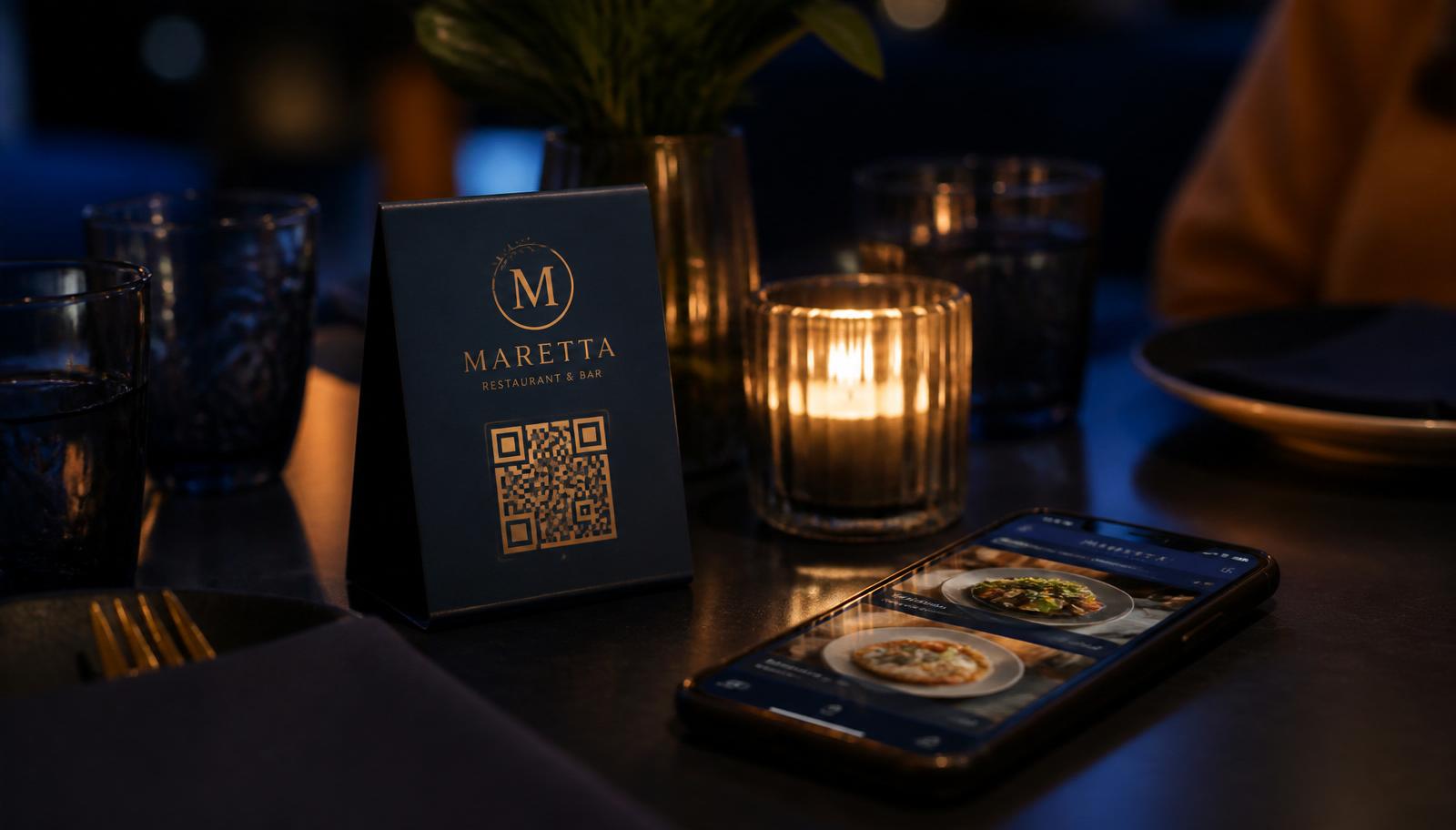
A digital menu for restaurants is no longer a pandemic workaround — in India it has become the default way guests read a menu. It is a mobile-first web page, opened by scanning a QR code on the table, that you can edit in seconds when a dish sells out or a price changes. This guide covers the move from printed and PDF menus to an interactive QR menu: what it costs, how to set it up, and what actually improves for your guests and your team.
Why Indian restaurants are replacing printed and PDF menus
Most independent outlets still reprint menus three to five times a year — new GST-inclusive pricing, seasonal dishes, a supplier change, or simply worn-out cards. At typical print and lamination rates, a 60-cover restaurant spends more on menu reprints in a year than a digital menu subscription costs. Menu inserts and correction stickers cost even more in perceived quality.
The common half-step — uploading a PDF menu and linking it to a QR code — solves the reprint problem but creates a worse guest experience. A PDF renders as a fixed-width page the guest has to pinch, zoom and drag on a 6-inch screen. There is no search, no veg and non-veg filtering, no dish photos at a readable size, and no way to jump to desserts. Guests give up and ask the server for a paper menu, which puts you back where you started.
Printed vs PDF vs interactive QR menu
- Printed menu — good tactile feel, but reprint cost per change, stale pricing, and no way to hide an 86'd dish until the next print run.
- PDF behind a QR code — cheap to update, but poor readability on mobile, no filtering, no analytics, and heavy files on patchy restaurant Wi-Fi.
- Interactive digital QR menu — categories, search, dietary markers, photos, instant availability toggles, and one link that also carries bookings, offers and events.
What a good digital QR menu should include
- Mobile-first layout with a sticky category rail so a 12-category menu is two taps deep, not twelve scrolls.
- Veg, non-veg and egg markers — non-negotiable in the Indian market, and the single most-used filter.
- Real-time availability so the kitchen can hide a sold-out dish from the floor manager's phone instead of the server apologising at the table.
- Photos where they matter — signature dishes and high-margin items, not every line item, so the page stays fast on 4G.
- Menu notes and allergen text at outlet level: taxes, service charge, jain/vegan availability, spice levels.
- PDF fallback per category for lists that genuinely work as documents, such as a long wine or single-malt list.
- Branding — your colours and logo on both the menu and the printed QR, so the table tent looks like your restaurant, not like a generic tool.
Cost savings: a simple calculation
Take a mid-size outlet printing 40 menu cards, four times a year, at roughly ₹120 per laminated card. That is about ₹19,200 a year in print alone, before design charges and before the interim stickers you stop counting. A digital QR menu on Forked Roots is ₹999 per month or ₹8,999 per year per outlet, with zero setup fee and zero commission on bookings — and it bundles table reservations, WhatsApp confirmations, offers and event ticketing on the same link.
The saving that owners notice more, though, is time. Changing a price across a printed menu is a two-week project. On a digital menu it is one field and a save.
Guest experience improvements you can actually measure
- Faster ordering. Guests browse before the server arrives, so the first order lands earlier and table turns tighten in peak hours.
- Higher average check. Photos and clear category grouping surface desserts, sides and cocktails that a text-only card buries.
- Fewer service interruptions. Ingredient and dietary questions are answered on the page.
- Hygiene and wear. No shared cards, no sticky laminate, no menu going missing on a Saturday night.
- One link, many jobs. The same QR takes guests to bookings, live offers, the gallery and event tickets — so your table tent stops being a single-purpose object.
How to set up a digital QR menu in a day
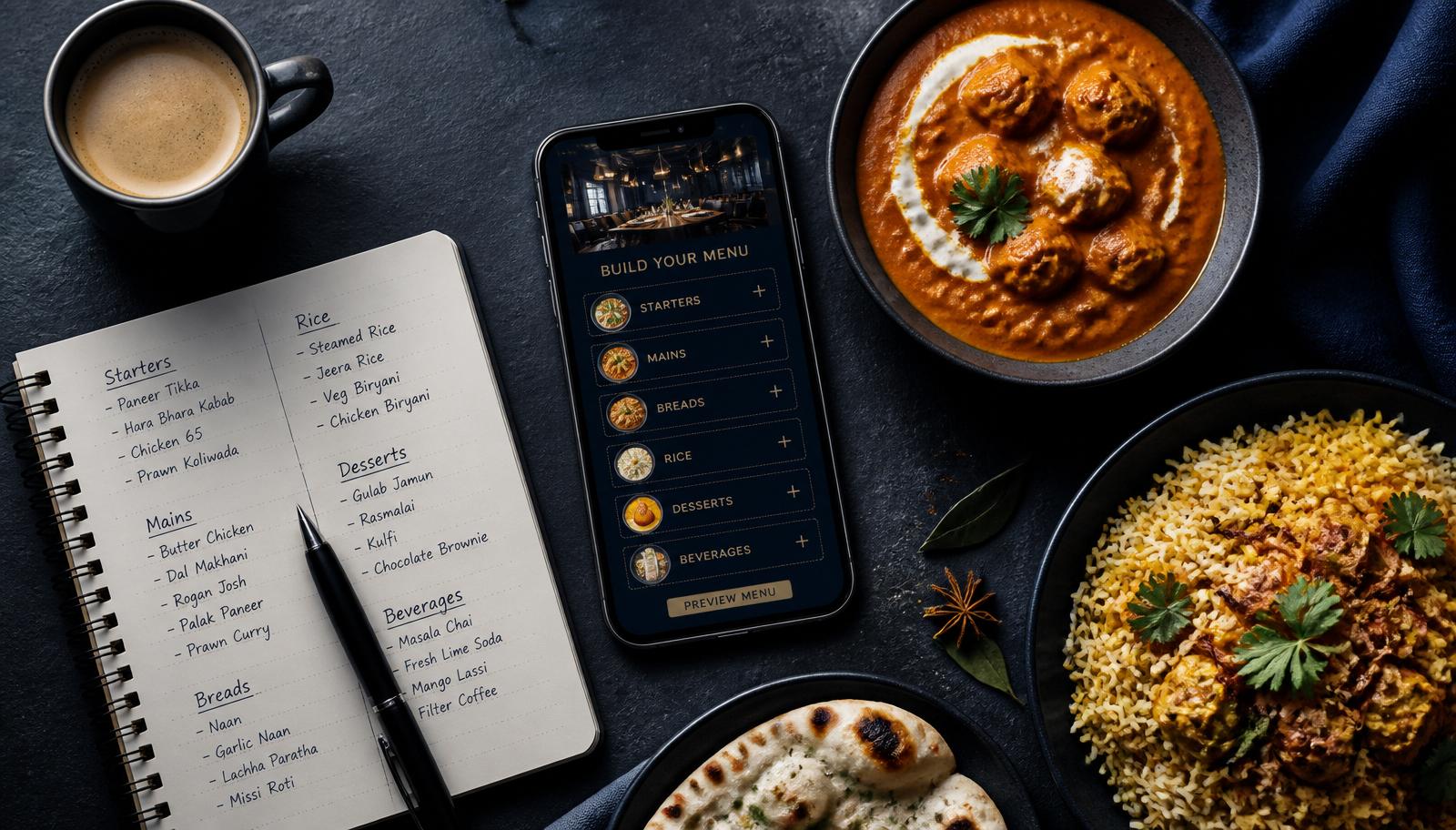
- Structure before content. Decide your categories and their order the way a guest reads, not the way your POS exports: starters, mains, breads, desserts, drinks.
- Load items with the essentials. Name, one-line description, price, veg or non-veg marker. Descriptions of 8–15 words read best on mobile.
- Add photos selectively. Shoot 10–15 signature dishes in daylight against a clean surface; compressed images keep the page fast.
- Write outlet-level menu notes. Taxes, service charge, allergens, and anything a server repeats twenty times a shift.
- Brand and print the QR. Use your colours and centre logo, then print table tents at a size that scans from a seated position — roughly 3 cm minimum QR width.
- Brief the floor. One line from the server — "menu's on the QR, shall I bring a card too?" — is the difference between adoption and confusion in week one.
- Review after two weeks. Look at which categories get opened, which dishes get tapped, and reorder accordingly.
For the long version of each step — category planning, item copy, photo setup, branded QR and the two-week review — read how to create a digital restaurant menu, step by step.
Digital menus and local search visibility
A PDF menu is close to invisible to search engines and AI assistants. A digital menu that lives on a real page — with a proper title, description and Restaurant structured data including hasMenu, opening hours and a reservation action — can surface when someone searches your restaurant by name or looks for a dish nearby. Every Forked Roots outlet page ships that schema by default, which is why the menu link is worth treating as part of your online presence, not just table furniture.
Common mistakes to avoid
- Uploading a print-designed PDF and calling it a digital menu.
- Photographing every item, including the ones that don't photograph well.
- Hiding the QR under a table tent flap or behind the cutlery stand.
- Leaving sold-out items visible — it costs more goodwill than a missing photo.
- Using a tool that charges commission on bookings that came from your own guests.
Frequently asked questions
What is a digital menu for restaurants?
A digital menu is your food and drink list hosted on a web page that guests open by scanning a QR code on the table. Prices, availability and photos update instantly, with no reprinting.
Is a QR menu the same as a PDF menu?
No. A PDF is a static file guests must pinch and zoom on a phone. A digital QR menu is a mobile-first page with categories, search, veg/non-veg markers, photos and add-to-cart, and it can be edited in seconds.
How do I create a digital restaurant menu?
Plan categories in guest-reading order, add each item with a name, short description, price and veg/non-veg marker, photograph your signature dishes, add outlet notes on taxes and allergens, then publish and print the branded QR. Our step-by-step creation guide walks through each stage.
How do I make a QR code for a restaurant menu?
Generate the QR from the platform that hosts the menu so the link is permanent. Forked Roots produces a branded QR with your colours and centre logo for every outlet, so table tents never need re-printing when the menu changes.
How do I update a QR menu after printing the codes?
You edit the item and save — the QR code itself never changes because it points at a permanent link. Prices, photos and sold-out toggles go live instantly, mid-service if needed.
How much does a digital QR menu cost in India?
Forked Roots includes the digital QR menu with table bookings at INR 999 per month or INR 8,999 per year per outlet, with zero setup fee and zero commission on bookings.
Are free QR menu generators good enough?
Free generators usually just link to a PDF. You get no editing, no availability toggles, no dietary filters and no analytics, and guests still pinch and zoom. They work as a stopgap, not as a menu system.
Do guests need to install an app to scan the menu?
No. Every modern phone camera reads the QR code and opens the menu in the browser. There is no app install and no login needed to browse the menu.
What size should a restaurant menu QR code be printed at?
About 3 cm minimum QR width so it scans from a seated position, and larger for outdoor or low-light seating. Keep strong contrast between the code and its background, and test with three different phones before printing a full run.
Can we keep a PDF menu for some categories?
Yes. Forked Roots supports a per-category menu type, so you can run item-wise digital categories alongside uploaded PDF menus (up to 30 MB) for things like a wine list.
Getting started
Forked Roots gives independent restaurants and multi-outlet groups a branded digital QR menu, table bookings with WhatsApp confirmations, offers, events and a cover-charge wallet on one link. Follow the step-by-step creation guide, browse all restaurant guides, see the product overview, check the FAQ, or talk to us on WhatsApp for a walkthrough of your own menu.
Related guides
Put your menu, bookings and offers on one link
Forked Roots gives independent restaurants and groups a branded QR menu with table bookings and WhatsApp confirmations — ₹999/month, zero commission.